
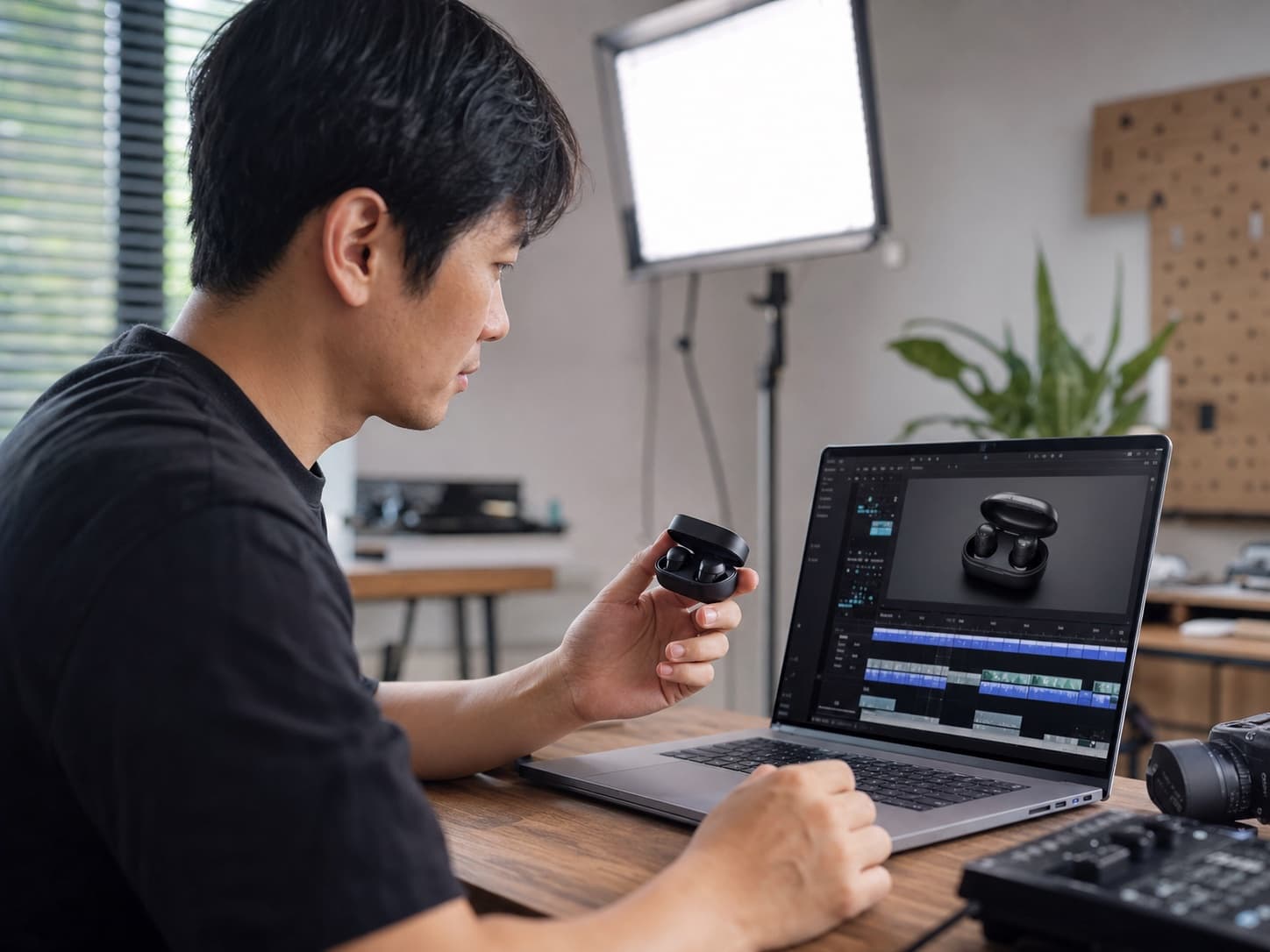
E-commerce
Turn product photos into demo videos
Scene
Upload a single product image and generate a polished demo clip with camera push-ins, orbit motion, and highlight details. Ideal for online stores, ads, and social commerce.
Transform static photos into dynamic, lifelike videos with advanced AI animation technology
Choose a mode to get started
Drag & Drop, Paste, or Click to Upload
PNG, JPG, JPEG, WEBP, Max 24 MB
Use Cases
From product demos to social content, travel vlogs to photo restoration — see how AI Image to Video brings static images to life across different creative workflows.
AI Image to Video turns static product images into dynamic demo videos, perfect for e-commerce listings and commercial ads to boost conversion. Use AI Image to Video to create 360° product rotations, highlight material details, and produce professional ad clips — no video shoot required. Ideal for Shopify, Amazon, and social commerce product pages.
AI Image to Video for e-commerce product videos
Video Motion Prompt
Slow 360-degree orbital camera, clear product details, soft light flow, commercial texture, high-definition and smooth
AI Image to Video converts portraits, food shots, and landscape photos into vertical short videos optimized for TikTok, Instagram Reels, and YouTube Shorts. Create scroll-stopping social content in seconds — AI Image to Video adds cinematic camera moves, natural motion, and film-like textures that boost engagement and watch time.
AI Image to Video for TikTok and Instagram Reels
Video Motion Prompt
Slight camera push-in, hair fluttering, vertical dynamic, smooth movement, suitable for TikTok/Instagram Reels
AI Image to Video animates travel landscape photos into vivid moving scenery — drifting clouds, flowing water, and cinematic push-ins. Perfect for travel vlogs, live wallpapers, and social storytelling. With AI Image to Video, one sunset photo becomes a looping cinematic clip ready for YouTube, blogs, or digital frames.
AI Image to Video for travel vlogs and scenery
Video Motion Prompt
Slow drifting clouds, gentle waves, camera push-in, healing slow motion, smooth footage
AI Image to Video brings portrait photos, family pictures, and vintage snapshots to life with natural subtle motion — gentle breathing, hair movement, and cinematic zoom. Animate old photos into emotional memorial videos or aesthetic lifestyle clips. AI Image to Video preserves every facial detail while adding lifelike dynamics, perfect for tribute videos and digital keepsakes.
AI Image to Video for old photos and portrait animation
Video Motion Prompt
Slight breathing movement, hair fluttering, slow camera zoom, aesthetic dynamic, no distortion
Use Cases
See how creators and businesses convert still images into short videos — product demos, social clips, travel scenes, and more. Each example shows what a good image to video result looks like in practice.
E-commerce
Scene
Upload a single product image and generate a polished demo clip with camera push-ins, orbit motion, and highlight details. Ideal for online stores, ads, and social commerce.
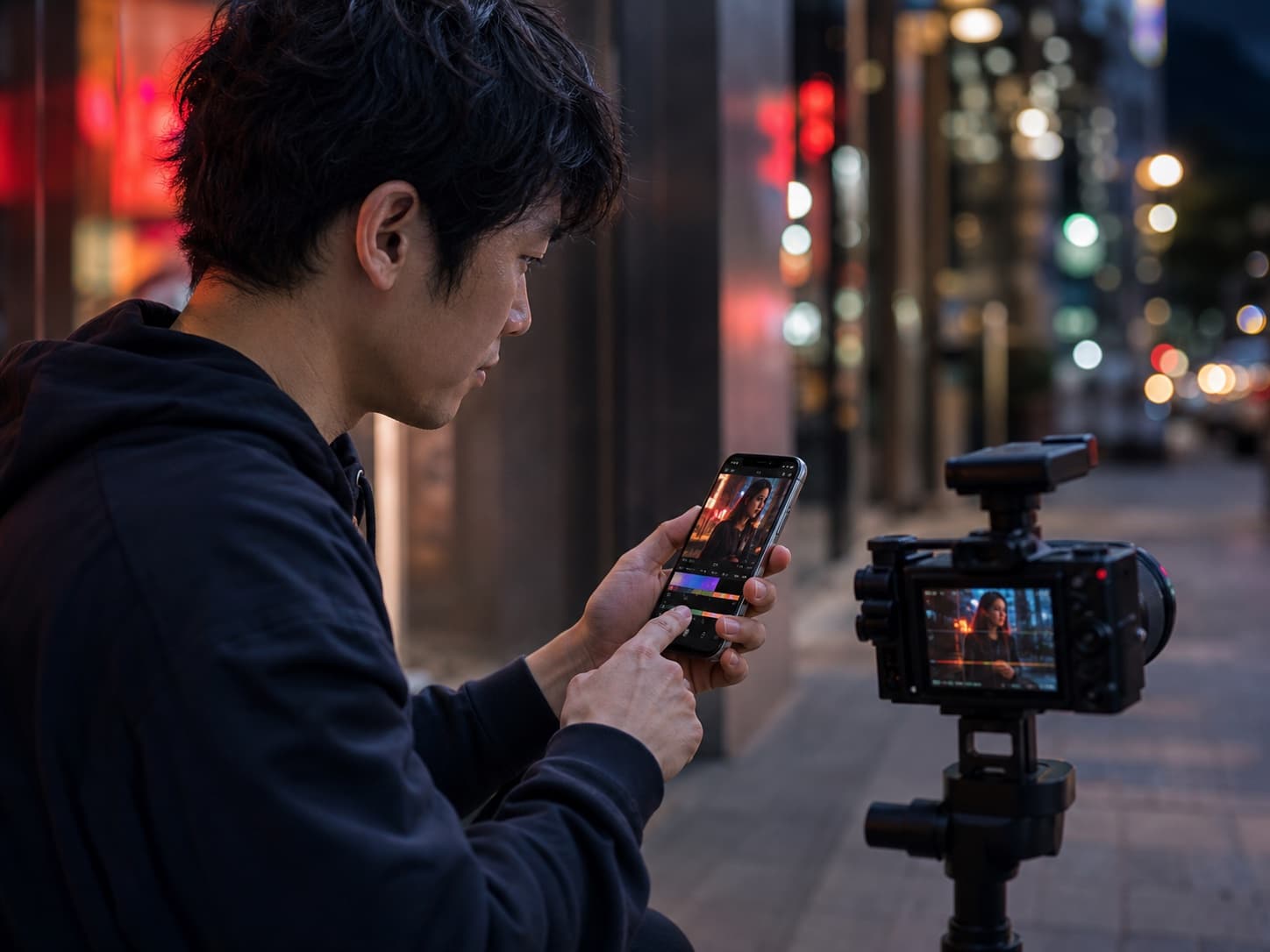
Social Media
Scene
Animate a portrait with natural expressions, subtle camera drift, and atmospheric motion — ready for TikTok, Instagram Reels, and YouTube Shorts.
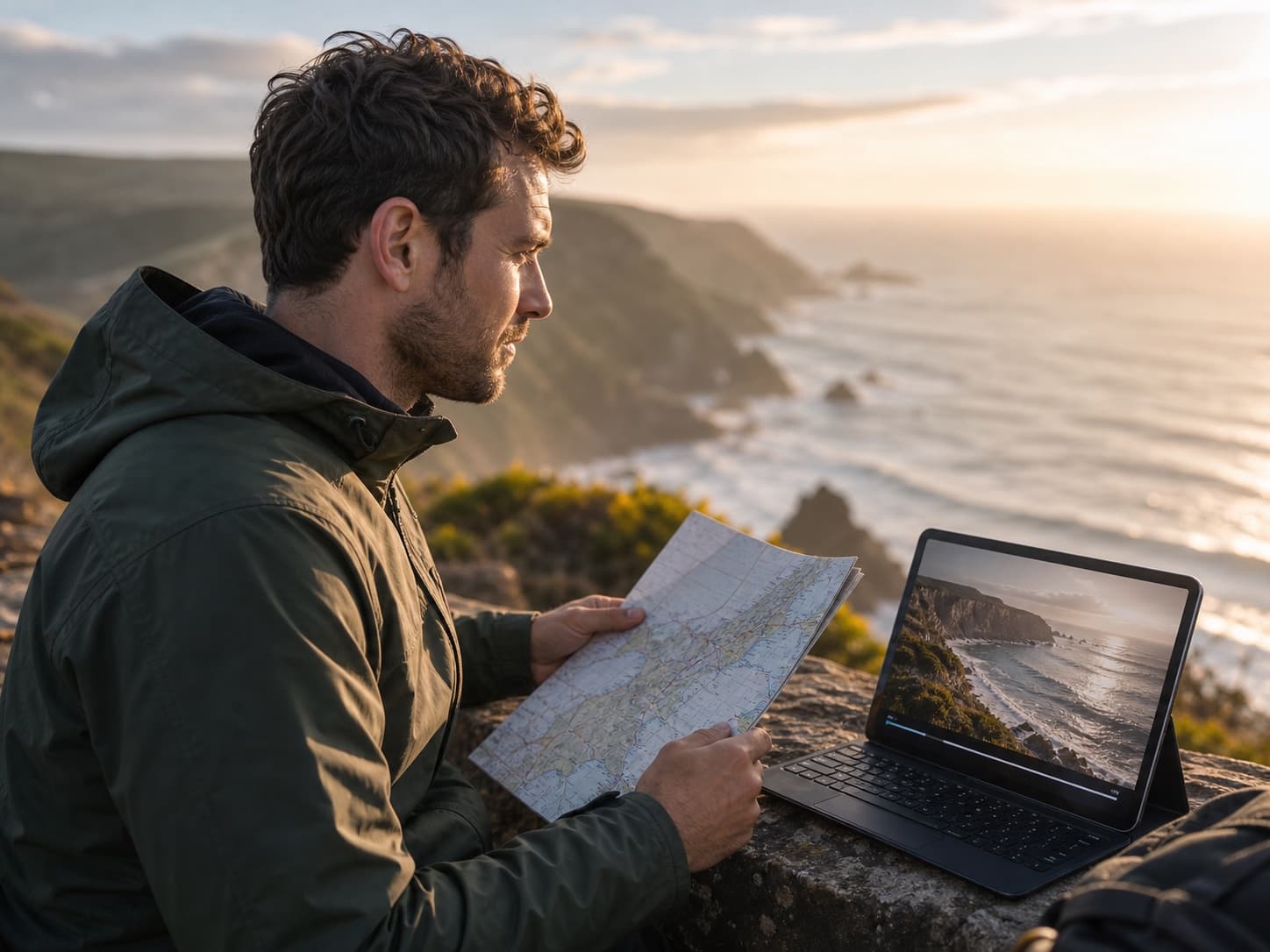
Travel & Landscape
Scene
Transform coastline, sunrise, cloud, and waterfall stills into smooth cinematic clips with drifting fog, flowing water, and gentle camera movement.
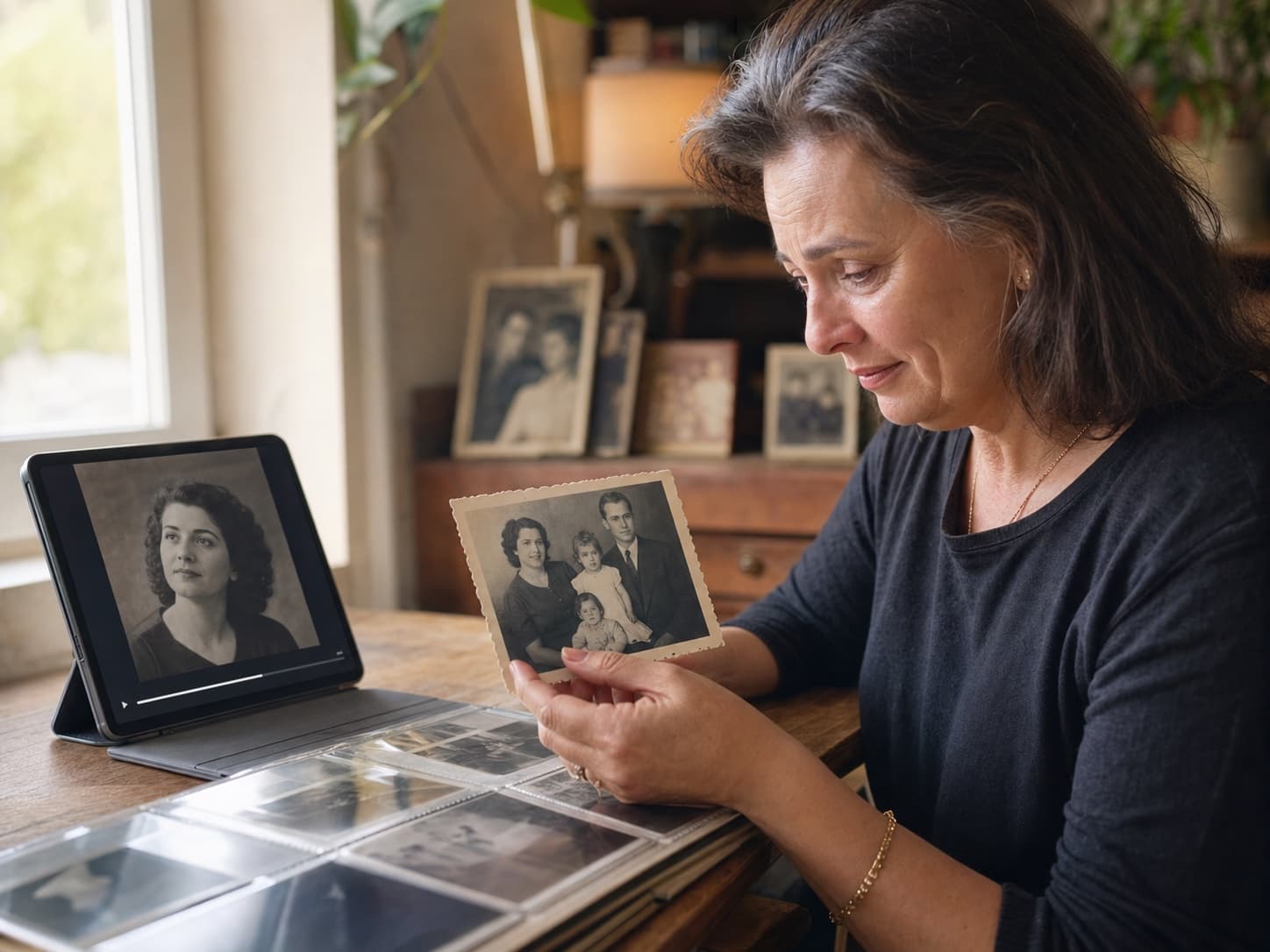
Photo Animation
Scene
Bring vintage portraits to life with natural breathing, eye movement, and gentle zoom — perfect for memorial videos and family keepsakes.
How it works
Image to video AI works best when the uploaded image is clear and the motion prompt is specific. Describe what should move, what the camera should do, and what style the video should use.
Start AI Image to Video by adding a portrait, product shot, artwork, landscape, or campaign image.
Tell AI Image to Video what should move: camera direction, subject action, emotion, speed, atmosphere, or scene style.
The AI Image to Video generator creates a short clip you can preview, refine, and use in your creative workflow.
Export your image to video AI result for social channels, ads, websites, product pages, presentations, or client demos.
Clear answers for people comparing AI image to video tools, old photo animation, and photo to video workflows.
Image to video AI is a tool that turns a still image into a short video by predicting motion, camera movement, and scene changes from your uploaded photo and prompt.
Upload an image, write a short motion prompt, choose generation settings, and let the image to video AI generator create a video from the static image.
Yes. Image to video AI can animate people, products, art, landscapes, and social media visuals by adding realistic movement and camera motion.
The site is structured for a free image to video AI entry flow so users can test the image to video AI workflow before choosing paid credits.
Clear, high-resolution images with a visible subject usually produce the best image to video AI result. Product shots, portraits, art, and scenes with depth work especially well.
You can use generated videos for marketing, social media, ecommerce, and creative projects when you have the rights to the uploaded images and follow the service terms.
Upload a photo and create your first image to video AI result for social media, marketing videos, product storytelling, or creative motion design. Image to video AI gives your existing images a new video format without opening a traditional editor.
Convert Image to VideoNeed help with billing, AI Image to Video quality, or a support question? Reach us anytime at [email protected].